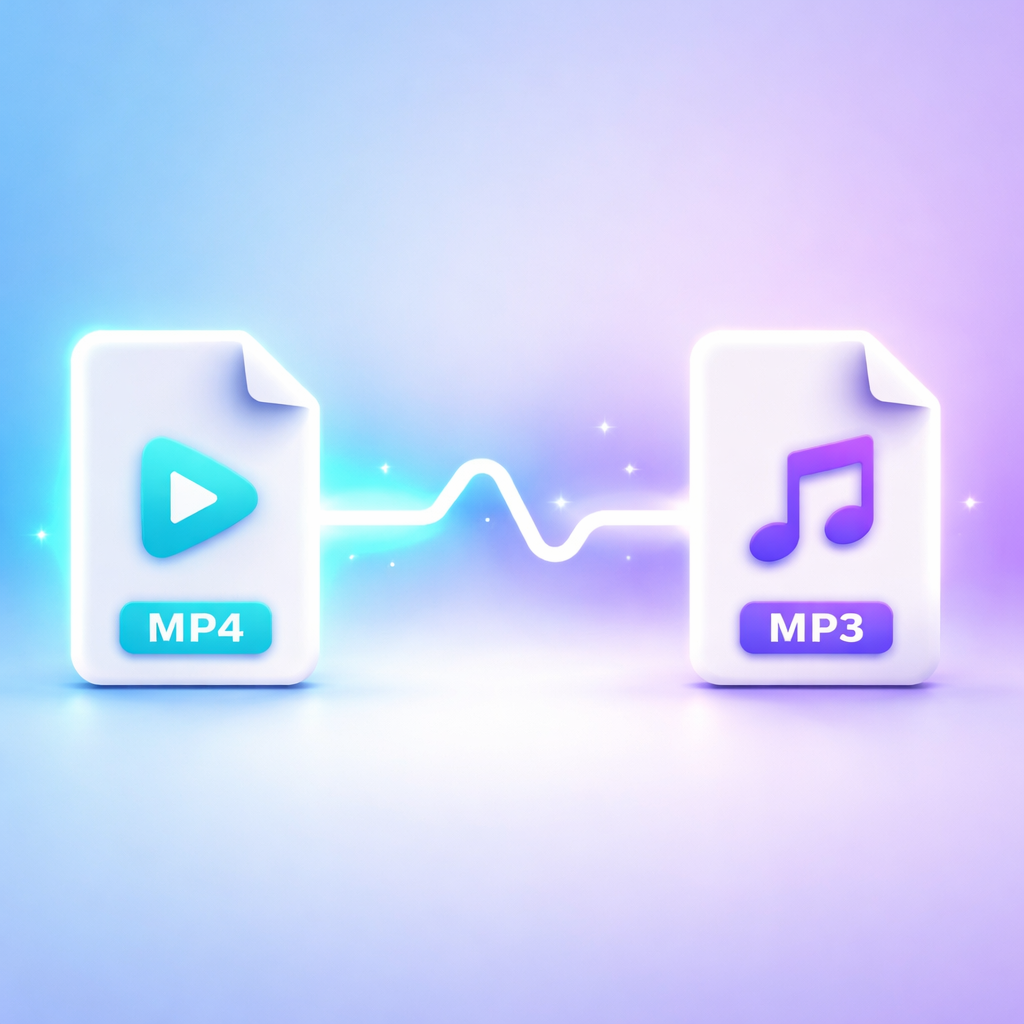
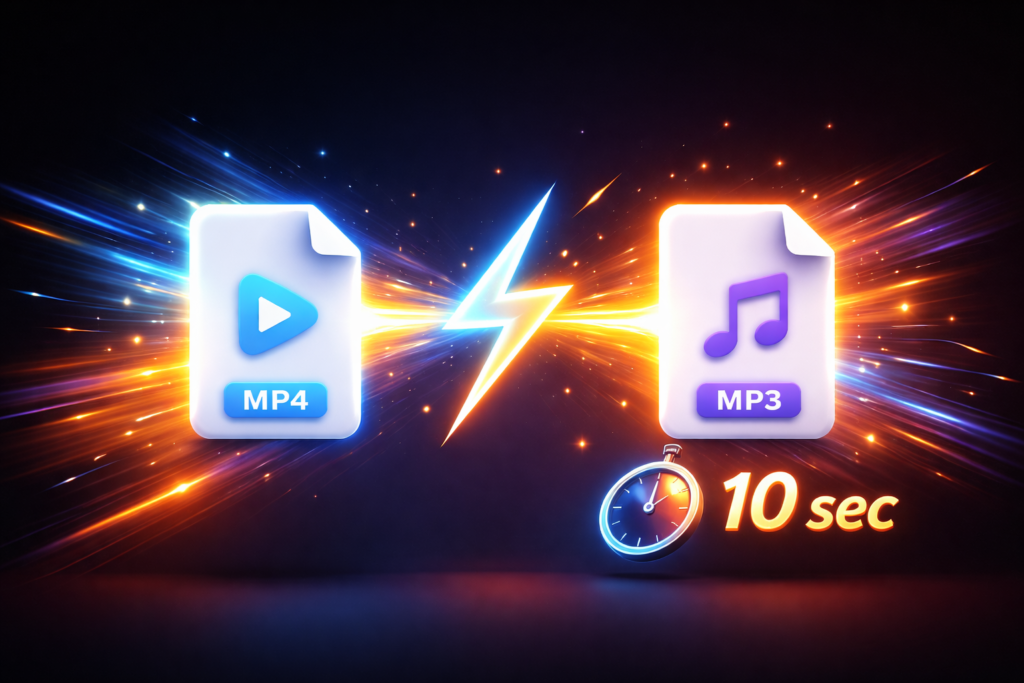
Videos often contain music, lectures, podcasts, or interviews that users want to extract as audio. Learning how to convert MP4 to MP3 online helps you save storage, improve accessibility, and listen on any device without watching the video.
What Is MP4 and Why Convert It to MP3?
MP4 is a video format that stores both audio and video.
MP3 is an audio-only format designed for universal playback on all devices.
People convert MP4 to MP3 because:
- To save storage space
- To extract music or audio from videos
- To listen to podcasts offline
- To convert lectures into audio files
- To use audio on mobile devices or MP3 players
How to Convert MP4 to MP3 Online (Step-by-Step)
Step 1: Upload Your MP4 File
Go to trusted online converter and upload your MP4 video file.
Most tools support:
- MP4
- MOV
- AVI
- MKV
- WEBM
Step 2: Select MP3 as Output Format
Choose MP3 as your output format.
Some tools also offer:
- WAV
- AAC
- OGG
- FLAC
Step 3: Choose Audio Quality (Bitrate)
| Bitrate | Quality Level |
|---|---|
| 64 kbps | Low quality |
| 128 kbps | Standard quality |
| 192 kbps | Good quality |
| 256 kbps | Very high quality |
| 320 kbps | Best quality |
👉 For music, 192 kbps or 320 kbps is recommended.
Step 4: Start Conversion
Click the Convert button.
The system extracts audio from your MP4 file and converts it into MP3 format.
Step 5: Download MP3 File
Once conversion is complete, download your MP3 file and save it to your device.
Benefits of MP4 to MP3 Online Conversion
- No software installation required
- Works on all devices (mobile, PC, tablet)
- Fast processing
- Free tools available
- Easy for beginners
MP4 to MP3 Online vs Desktop Software
Comparison Table
| Feature | Online Converter | Desktop Software |
| Installation | Not required | Required |
| Speed | Depends on internet | Faster for large files |
| Privacy | Moderate | High |
| Ease of use | Very easy | Moderate |
| Batch conversion | Limited | Supported |
| Internet required | Yes | No |
Is MP4 to MP3 Conversion Safe?
It is generally safe if you use trusted websites.
Look for:
- HTTPS security
- Auto file deletion
- No unnecessary permissions
- Clear privacy policy
⚠️ Avoid unknown or suspicious websites.
Does MP3 Lose Quality After Conversion?
Yes, MP3 uses compression, so slight quality loss may occur.
To maintain good quality:
- Use 192 kbps or higher
- Start with high-quality MP4 file
- Avoid repeated conversions
Common Problems and Fixes
File Not Uploading
- Check internet connection
- Try a different browser
- Reduce file size
No Sound in MP3 File
- Original video may have corrupted audio
- Try another converter
Poor Audio Quality
- Increase bitrate to 320 kbps
- Use a better source video
Conversion Stops Midway
- Refresh page
- Switch browser
- Check internet stability
Can You Convert YouTube MP4 to MP3?
Yes technically possible, but you must ensure:
- You have permission to use the content
- You are not violating copyright laws
Best Uses of MP3 Files
- Music listening
- Audiobooks
- Podcasts
- Language learning
- Offline lectures
- Voice recordings
How do I convert MP4 to MP3 online for free?
Upload your file, select MP3 format, convert, and download the audio.
Can I convert MP4 to MP3 on mobile?
Yes, online converters work on Android and iPhone browsers.
Is MP3 smaller than MP4?
Yes, MP3 files are much smaller because they only contain audio.
What is the best MP3 quality?
320 kbps provides the highest audio quality.
Can I convert large MP4 files?
Yes, but some free tools may have file size limits.
Final Thoughts
Learning how to convert MP4 to MP3 online is useful for anyone who wants to extract audio quickly without installing software. It saves time, reduces storage usage, and makes content more portable.
For best results, always use a trusted converter, choose a high bitrate, and ensure your source video has good audio quality.