Convert MP4 to MP3
Instantly in Your Browser
Extract high-quality audio from any video file. Your files never leave your device — 100% private, 100% free, unlimited conversions.
Everything You Need in One Tool
Our MP4 to MP3 converter is built for speed, privacy, and quality — the three things that actually matter when extracting audio.
100% Private Processing
Your video files are processed entirely in your browser using Web Audio API. Nothing is ever uploaded to our servers. Your content stays yours.
Lightning Fast Conversion
Local browser processing means no upload wait time. Convert a 100MB MP4 file to MP3 in seconds, depending only on your device speed.
Advanced Audio Controls
Adjust volume from 0–200%, apply fade-in/fade-out effects, trim audio to specific timestamps, and choose your audio codec.
All Video Formats
Supports MP4, MOV, AVI, WMV, WebM, MKV, FLV, and any format your browser can play. If you can watch it, we can extract it.
Original Audio Quality
We extract and preserve the original audio bitrate from your video. No re-encoding artifacts, no quality loss — studio-grade output every time.
Works on Any Device
Fully responsive and tested on Windows, Mac, Android, and iOS. No app download needed — just open your browser and convert.
Three Steps to Your MP3
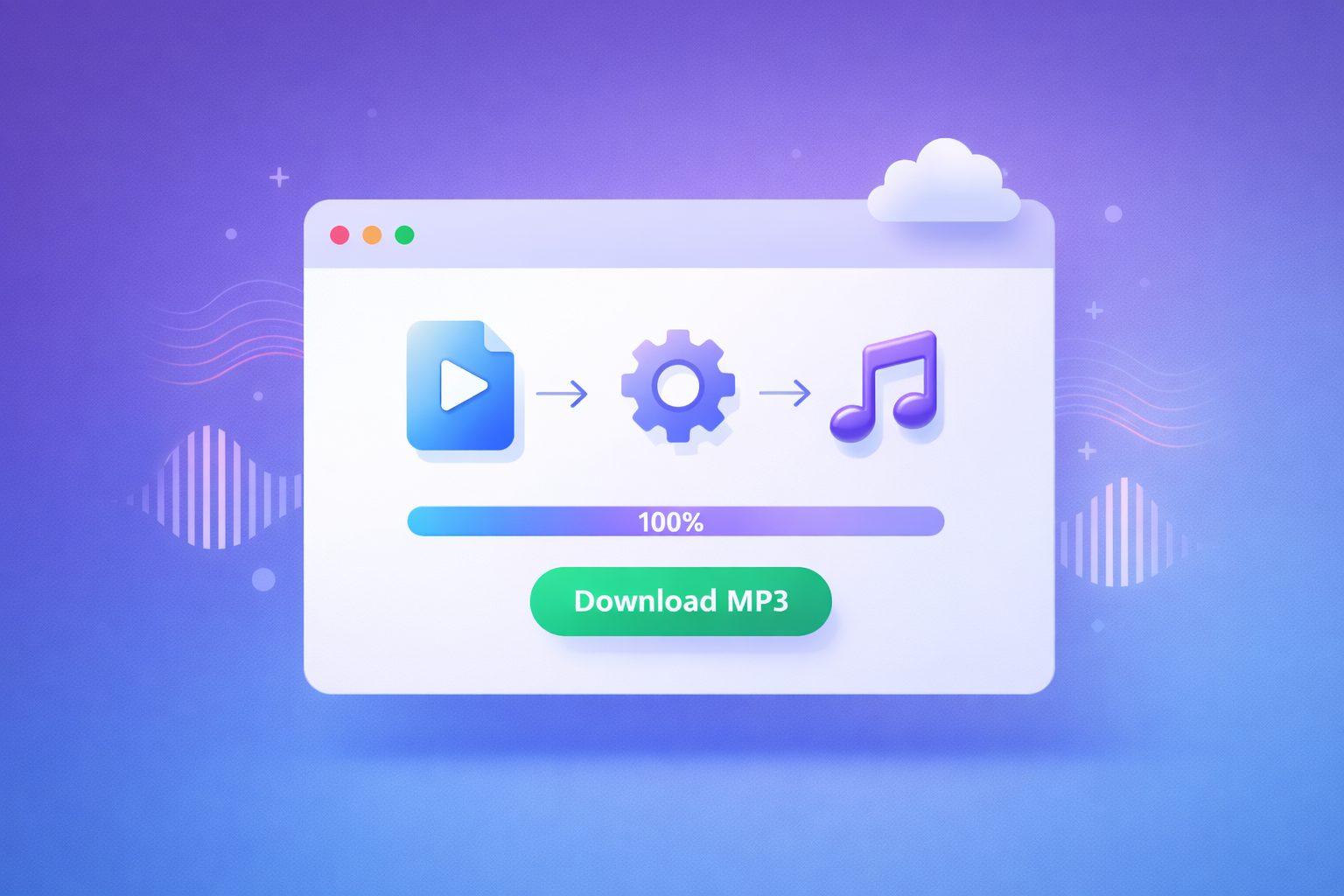
Upload Your Video
Drag & drop or click to select your MP4, MOV, AVI, or any other video file from your device. You can also load from a direct URL.
Set Options (Optional)
Optionally adjust volume, set trim points, apply fade effects, or choose your audio codec. Or just click convert with default settings.
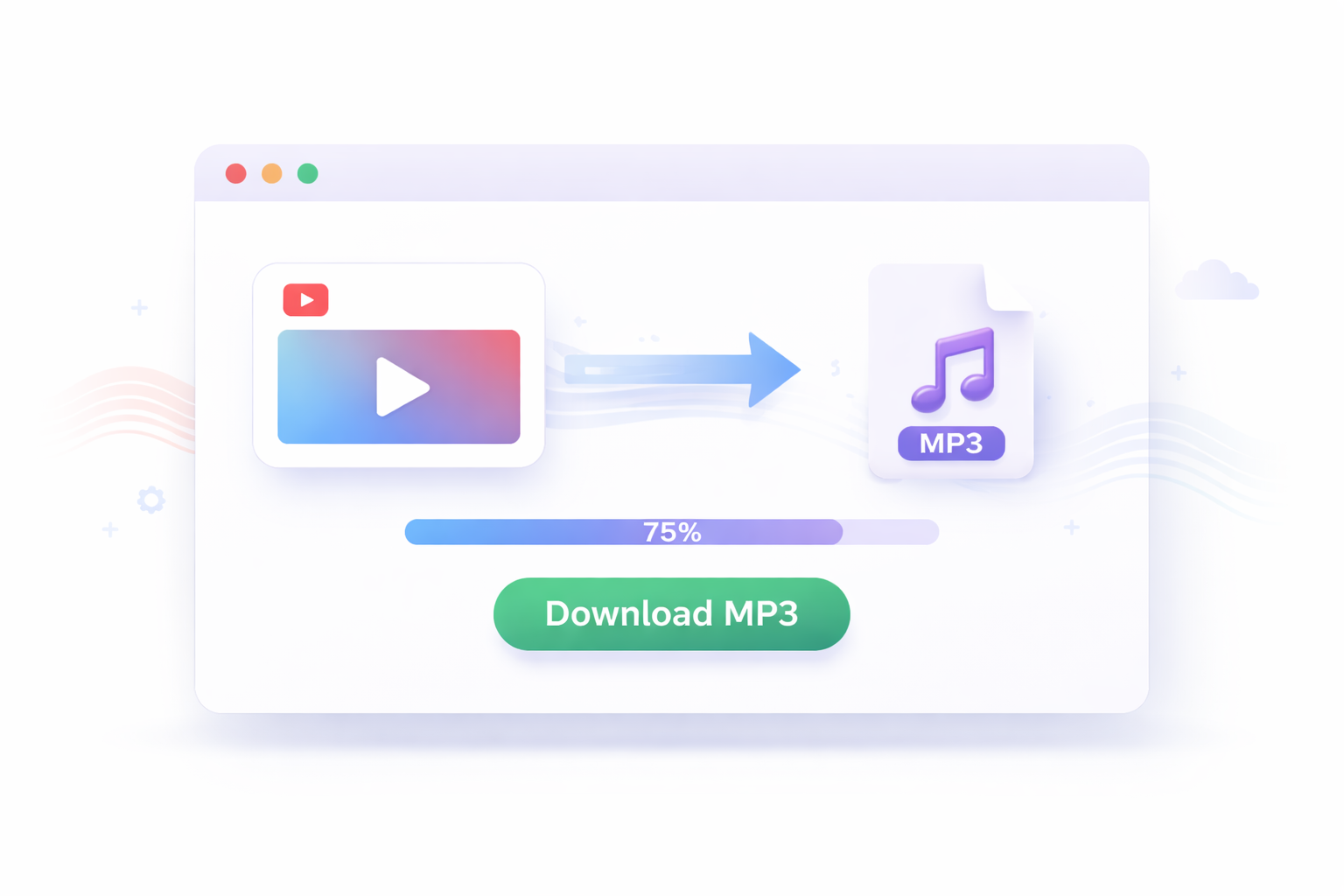
Download MP3
Preview your extracted audio, check the file details, then download your MP3 file with a single click. Done in seconds.
Works With Every Video Format You Own
Whether you're pulling audio from an old AVI file, a recent iPhone MOV recording, a downloaded MP4, or a WebM from the web — our converter handles it all. Need to edit your video before converting? Use our free Video Trimmer or Crop Video tool first.
All processing relies on your browser's native video decoder. If your browser can play the video, our tool can extract the audio. No plugins, no codecs to install.
What is an MP4 to MP3 Converter?
An MP4 to MP3 converter extracts the audio track from a video file and saves it as a standalone audio file. The MP4 container holds both video and audio together — when you only need the sound, an audio extractor removes the video layer and delivers just the audio.
Our tool uses the Web Audio API — a native browser technology that processes media entirely on your device. No server connection required. Conversion is instant, private, and free.
Why Convert MP4 to MP3?
- Offline listening — Save lectures, interviews, or podcasts as audio to listen without streaming video.
- Storage efficiency — MP3 files are 10–20x smaller than MP4 video files, perfect for mobile storage.
- Music extraction — Pull soundtracks from concert recordings or live performances for personal listening.
- Content creation — Extract audio clips for podcasts, presentations, or social media posts.
- Universal compatibility — MP3 plays on every device, from vintage MP3 players to modern smart speakers.
MP4 to MP3 Quality
The output quality matches the audio quality of your source video. Our tool extracts audio without introducing additional compression or quality degradation. If your source video contains 320 kbps audio, your converted file reflects that quality.
Standard YouTube HD videos typically contain 128–192 kbps audio — your converted file reflects that same quality. For best results, always start with the highest quality source file. You can also use our Audio Trimmer to cut your extracted audio to exactly the segment you need.
Privacy & Security
Unlike online converters that upload your files to remote servers, mp4tomp3.site processes everything directly in your browser using the Web Audio API and MediaRecorder API. Your content never leaves your device.
- Files never transmitted over the internet during conversion
- No access to your content, file names, or metadata
- No user data is collected or stored
- Conversion works even without an internet connection after the page loads
How to Convert YouTube Videos to MP3
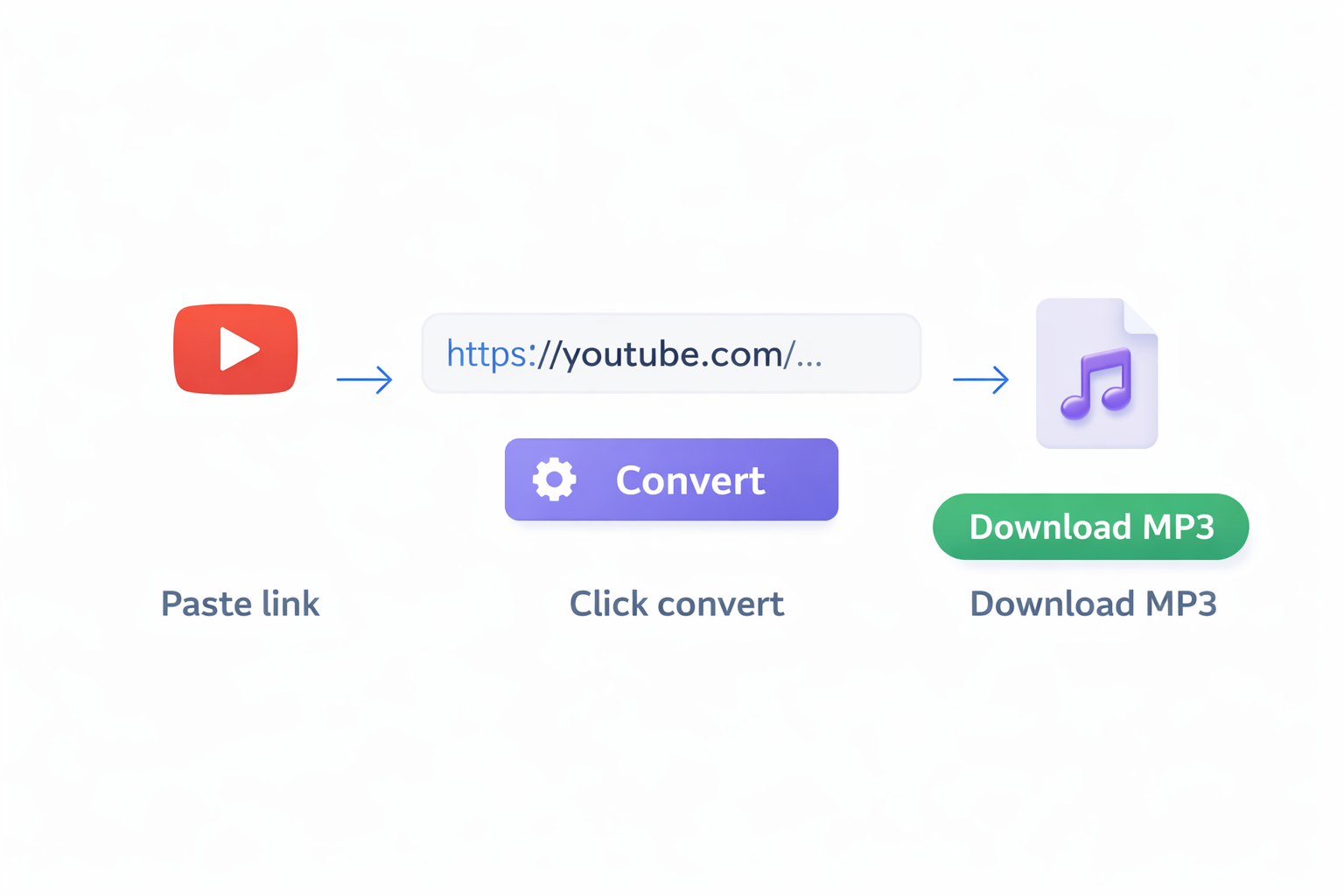
Our tool does not support direct YouTube URL input for legal compliance reasons. However, you can still extract audio in two simple steps: first, use a trusted video downloader to save the YouTube video as an MP4 file to your device. Then upload that MP4 file here and extract the audio as MP3. The entire process takes under two minutes.
This workflow also works for videos from TikTok, Facebook, Instagram, Twitter/X, Vimeo, and any other platform — as long as you have the video file saved to your device. Once you have the video, you can also trim the video or resize it using our free tools before converting.
Free Video & Audio Tools
All tools run entirely in your browser — no uploads, no software, completely free. No account needed.
Frequently Asked Questions
Everything you need to know about converting MP4 to MP3 online.